DeinkowArabic software studio and client portal
Connect a public studio website to structured client requests, project conversations and administrative follow-up.
The problem & workflow
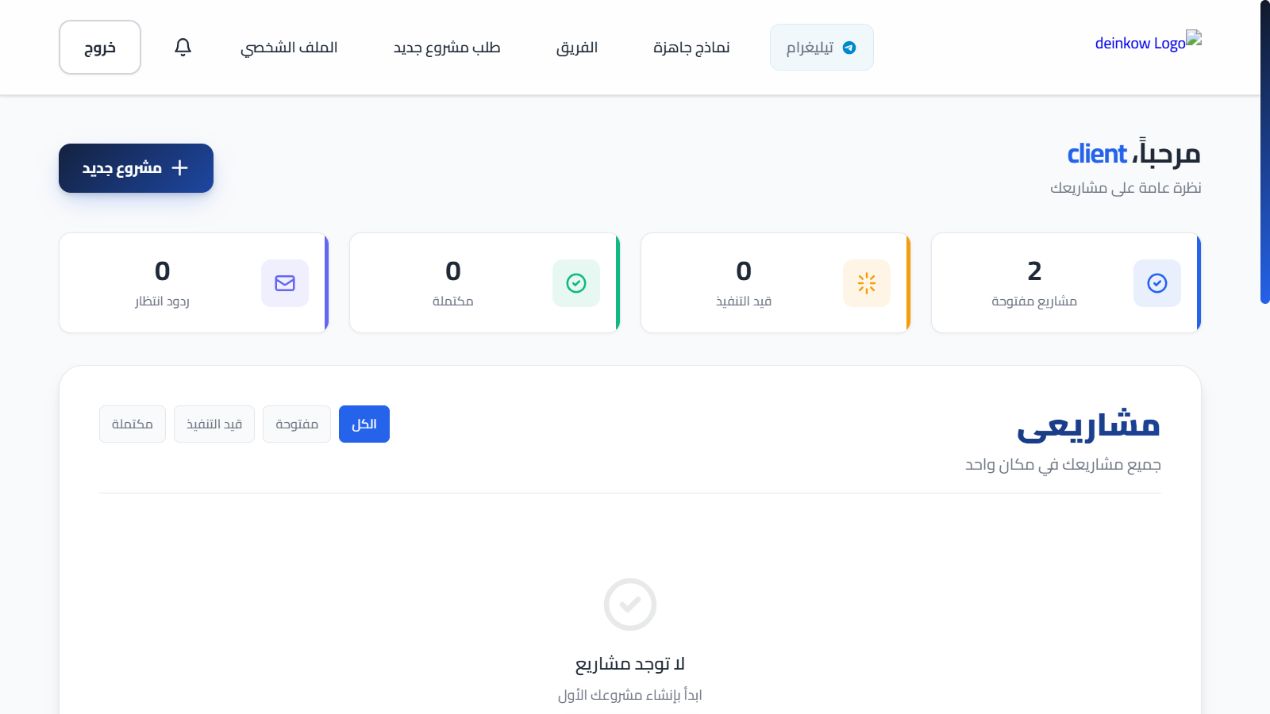
Visitor explores studio services → client submits a request → client and administrator exchange messages/files in its workroom → notifications and status updates maintain continuity.
Key features
- Public marketing, team and template pages
- Client registration and project/ticket intake
- Workrooms, conversations, attachments and notifications
- Ratings, subscriptions and administrative workflows
- Arabic RTL layouts, theme persistence and activity logging
Architecture & decisions
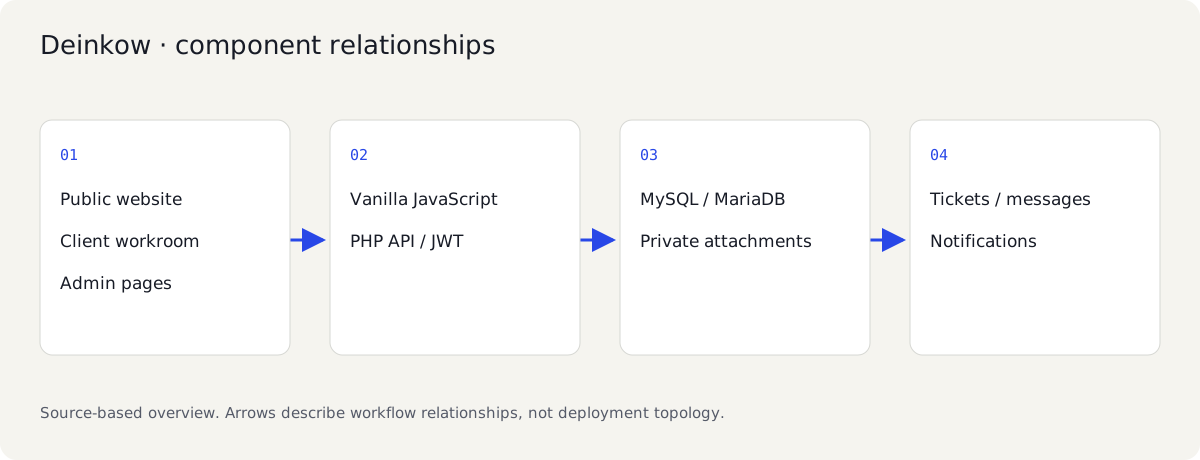
- I use public HTML pages for the studio and a client-side router for the account experience.
- The PHP API handles authentication, ticket ownership and access to messages and attachments.
- I designed the interface around Arabic typography, RTL layout and persistent theme preferences.
Inside the source
Carrying a studio enquiry into a client workroom
I built Deinkow to connect the studio website with a client portal for requests, messages and attachments.
Deinkow joins a public Arabic studio website to a working PHP client portal. The engineering story continues after the marketing page: a client submits a request, opens the associated workroom, exchanges messages and files, and receives administrative follow-up. The synthetic walkthrough follows that handoff so the website is evaluated as a business workflow.
Its frontend combines standalone pages with a Vanilla JavaScript router and modular styling. Calling every route a complete SPA would hide the actual structure. Direct navigation, login aliases and refresh behavior need to match the page-loading paths that exist. The release fixes the demonstrated login route problems and provides a fresh schema bootstrap with an explicit SQL ordering.
Making attachments part of the permission model
A file upload is not private merely because its filename is difficult to guess. The release moves attachment access behind authenticated ownership checks, blocks direct public access and validates content. The acceptance flow checks a client's attachment, an administrator's access and rejection for a different client.
Arabic typography, RTL layout and theme behavior retain the project's identity. Previously deployed workflows are documented separately from current local evidence. Further development can extend browser-history and administration scenarios across the remaining pages, with public marketing pages crawlable and account/workroom content kept private.
Project status
I previously deployed and tested the studio website and client portal.
Create an empty MySQL/MariaDB database and export the variables in .env.example into the PHP process environment; PHP does not automatically load that file. Set DB_HOST/DB_PORT/DB_USER/DB_PASS/DB_NAME, fresh JWT_SECRET, DEMO_PASSWORD and DEMO_MODE=1. The CLI bootstrap applies database.sql, database_support_tickets.sql and database_updates.sql in that order and creates admin/client/other. It is for a fresh database, not a migration tool for production. DEMO_MODE bypasses CAPTCHA only on the server; live mode requires fresh RECAPTCHA_SITE_KEY and RECAPTCHA_SECRET_KEY.
Development checks & runtime notes
Fresh MariaDB schema/bootstrap and PHP syntax checks passed. HTTP checks passed client/admin login, request and message creation, foreign ticket/chat rejection, validated text attachment upload, blocked direct attachment access, authorized download and unauthorized download rejection. Browser review exposed and repaired login aliases and the demo CAPTCHA dependency.
The public site and client portal mix standalone HTML pages and client-side routing; do not describe every route as one SPA. CAPTCHA and mail/provider configuration require fresh live credentials. Additional browser-history and administrative workflows remain to be checked.
Technical details ↗A closer look
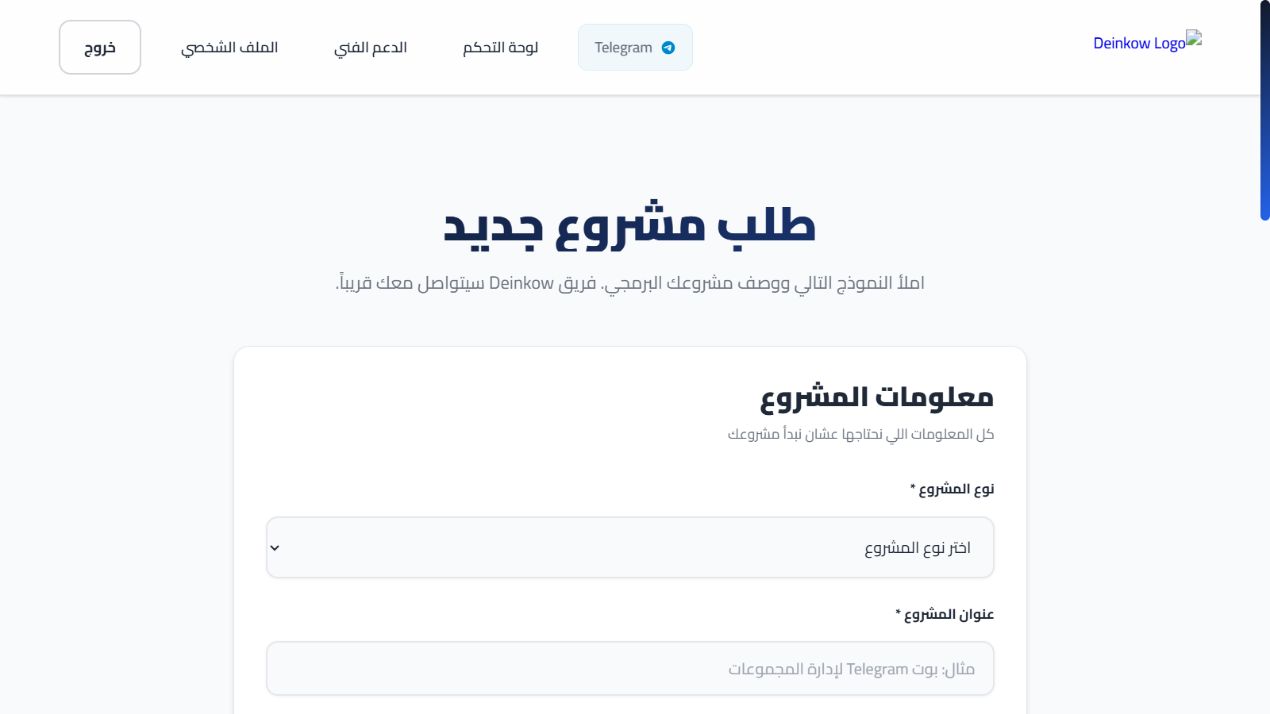
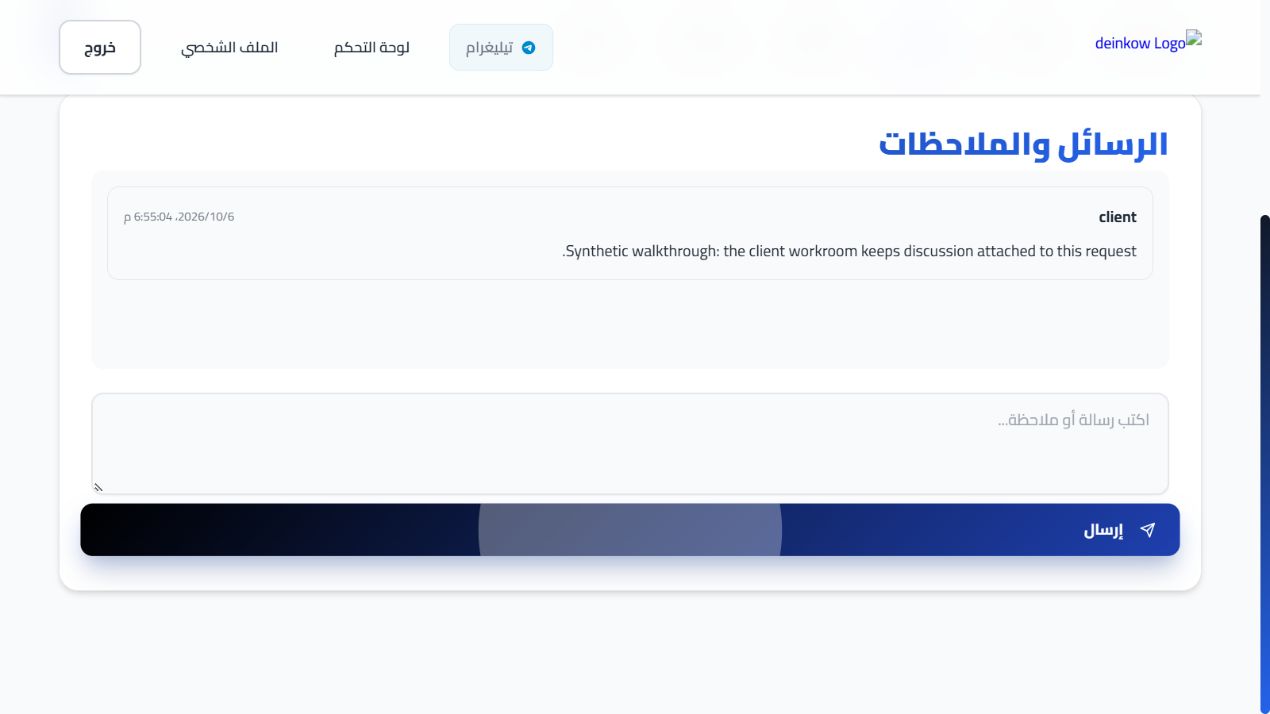
Interface walkthrough
An edited sequence of application captures using demo data.